1
Add text or a reference image
Write one clear scene description or upload a character image as the visual reference for the animation.
Turn a written scene or character image into an anime video with the model that fits your idea. Describe the action, camera movement, and atmosphere, then control duration, frame shape, resolution, and optional audio.
An anime AI video generator turns a written scene or static character image into moving anime footage. This anime video workflow lets you choose a model, describe character and camera motion, set the output format, and create a playable clip without building every animation frame by hand.
Follow four simple steps to move from an idea or character image to a downloadable anime video.
Write one clear scene description or upload a character image as the visual reference for the animation.
Separate what the character does from what the camera does. Add secondary movement such as hair, fabric, rain, sparks, or drifting light.
Select an available model, duration, aspect ratio, resolution, and optional audio. The model card shows capabilities and credit price before submission.
Follow the saved task progress in the results panel. When the video is ready, play it, copy the Prompt, download it, or refine the next attempt.
Compare each input image with its animation result, then use the model and Prompt footer as a starting point for your own anime video.
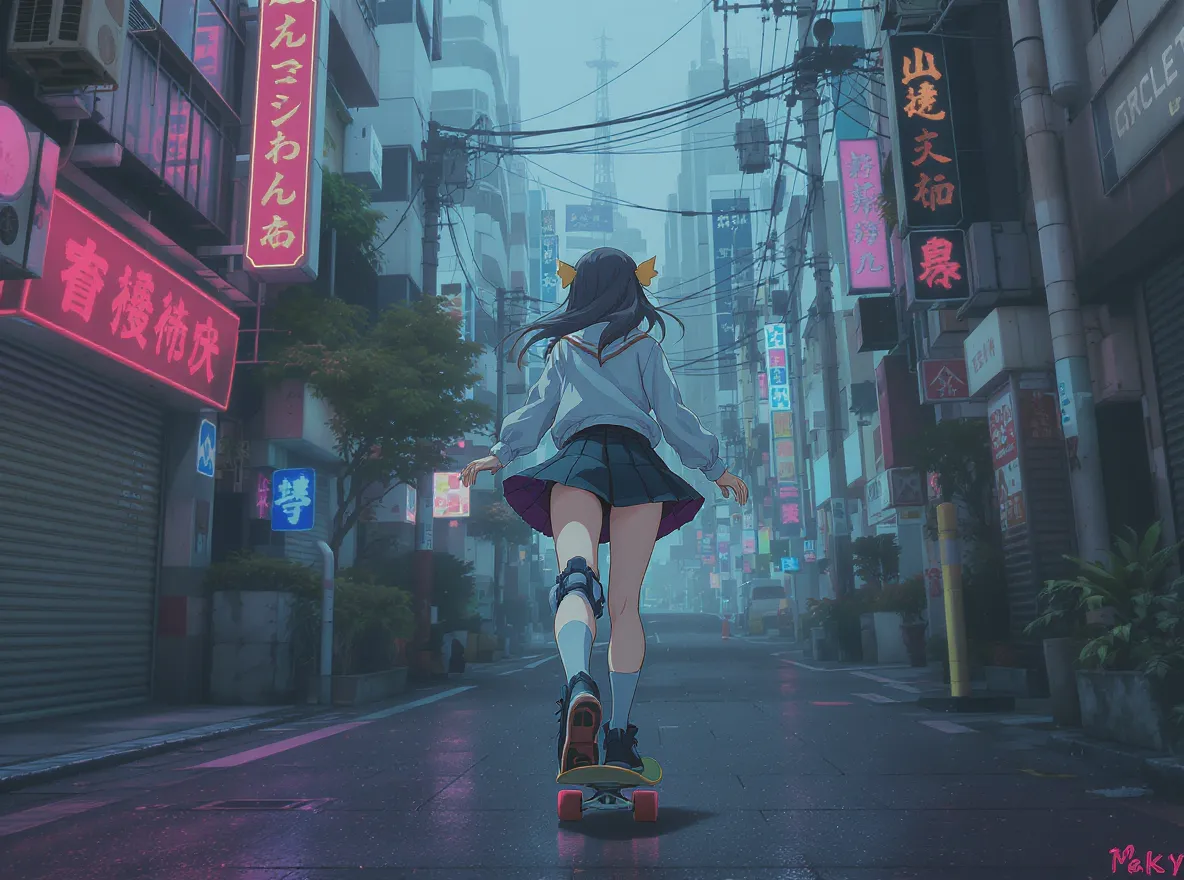
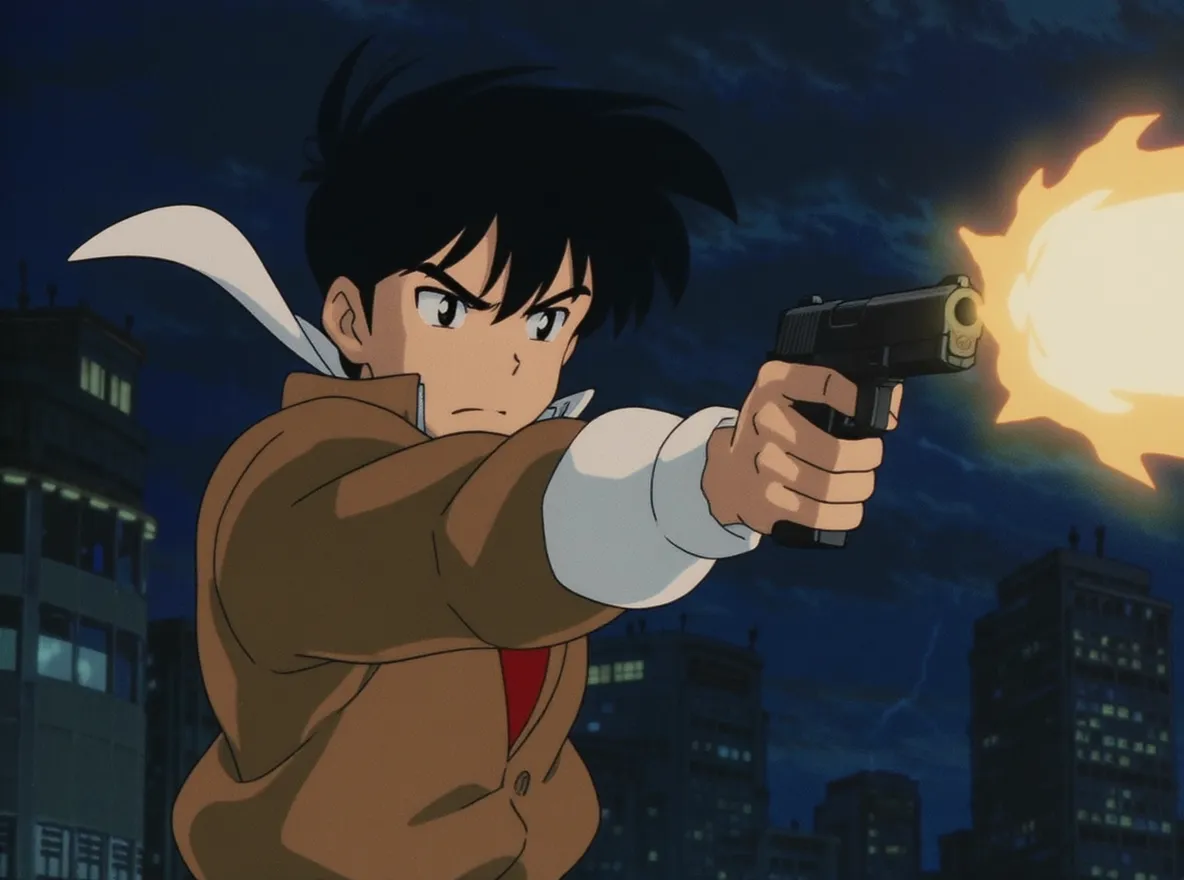
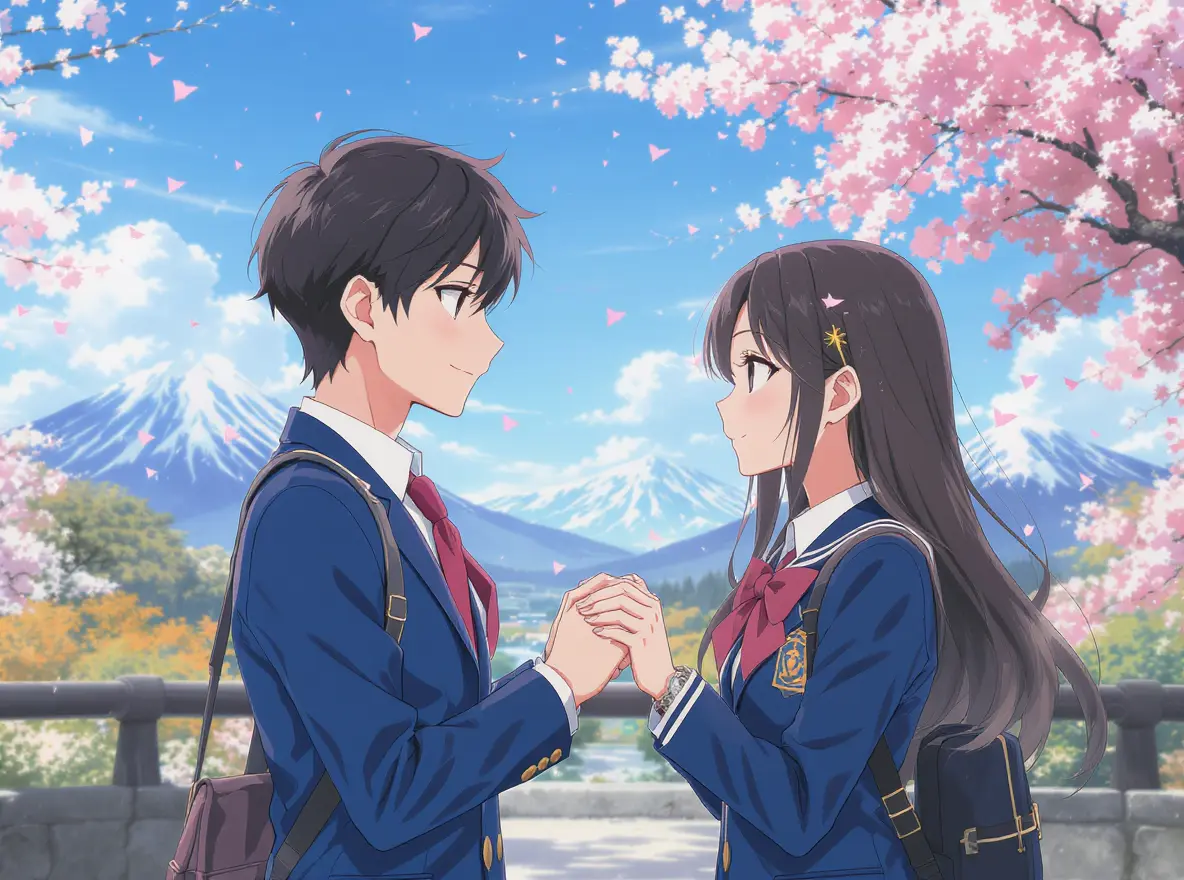
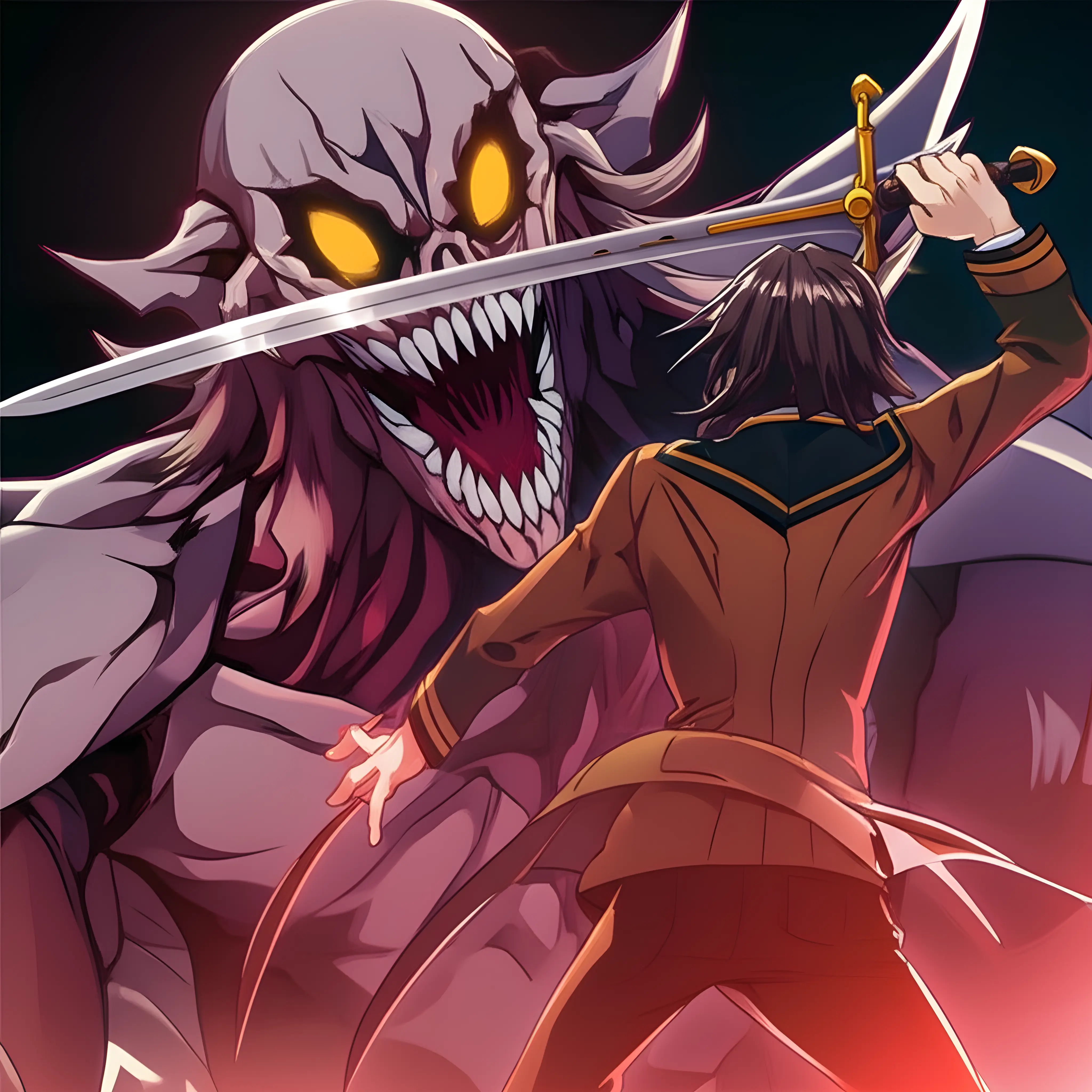
Create anime motion with a guided workflow that keeps model choice, input, controls, progress, and results in one place.
Choose from the video models connected to MakeMyOC instead of being locked to one permanent engine. Each model card explains the kind of input, duration, and controls it supports.
Turn a focused scene or character image into a short animation for social posts, character reveals, story concepts, presentations, and creative experiments.
No animation timeline is required. Add an image or text Prompt, choose visible settings, review the credit price, and start the generation from one clear panel.
Use AI motion generation to explore a scene before committing to frame-by-frame production. Short results make it easier to compare actions, camera moves, and atmosphere.
Control duration, landscape or vertical framing, resolution, audio, and model-specific options before spending credits on the video.
Animate an existing OC, start from text alone, test cinematic camera movement, or adapt the same character idea to action, romance, fantasy, and everyday scenes.
Practical prompting
AI video can drift when the model must guess too many design and movement decisions at once. A few prompt habits make the next attempt easier to judge.
Begin with a reference image that clearly shows the face, silhouette, costume, and important accessories. Extremely cropped art, hidden hands, busy backgrounds, or several characters can make it harder for the motion model to decide what must stay unchanged. If the first result loses an important trait, name that trait directly in the next prompt instead of adding a completely new style.
Write motion in layers. Give the character one primary action, the camera one direction, and the environment one or two secondary movements. “The hero looks over her shoulder; the camera arcs gently left; hair and scarf move in the wind” is easier to follow than a prompt asking for running, fighting, transforming, speaking, and a location change in five seconds.
Iterate one variable at a time. Keep the same image and prompt while changing duration, or keep the settings while simplifying the action. This makes it possible to identify why one anime video feels stable and another anime video does not. Generation remains probabilistic, so a reference can improve continuity without guaranteeing a perfectly identical face in every frame.
Name distinctive hair color, eye color, clothing layers, accessories, and the part of the design that must remain unchanged.
Choose one main camera direction—push in, pull back, pan, orbit, tilt, or locked shot—instead of combining several moves.
Use a short duration for one readable gesture. Longer clips can support a slower action, but they also give the model more frames in which details may drift.
Quick answers about inputs, credits, timing, recovery, downloads, and character use.
Create source artwork or develop another character concept before returning to the anime AI video generator for your next anime video.
Create anime character art to use as the reference image for your video.
Design an original sword-fantasy OC with a focused character workflow.
Build an original hero-school character with quirk and costume details.
Explore a robot OC concept with a dedicated visual direction.