Genshin OC Maker
Start with your own character idea. Choose a region, weapon or Vision, describe the look, and generate an original illustration.
Your character illustration
Your image will appear here after generation.
Browse original character examplesTeyvat character archive
Each illustration has a matching design. Use the settings from any example to start a variation of your own.
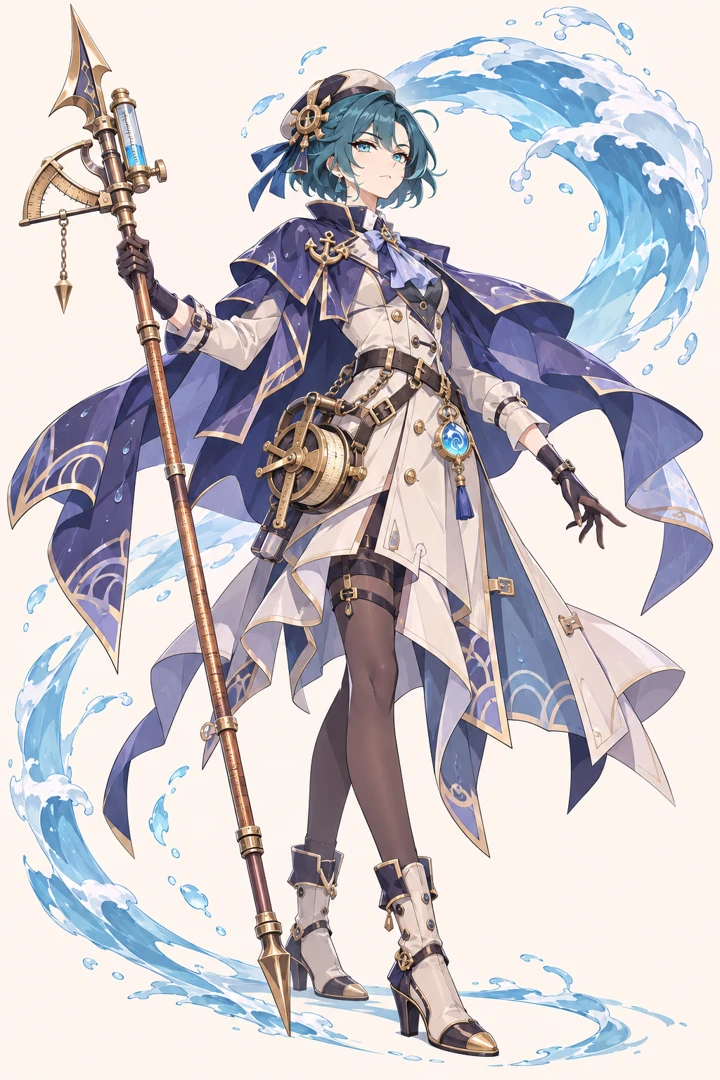
The harbor tide surveyor
Fontaine · Hydro · Polearm. A brass reel and graduated pole turn tide measurements into the surveyor’s visual signature. The indigo cape opens around the pale coat so the water arc has space of its own.
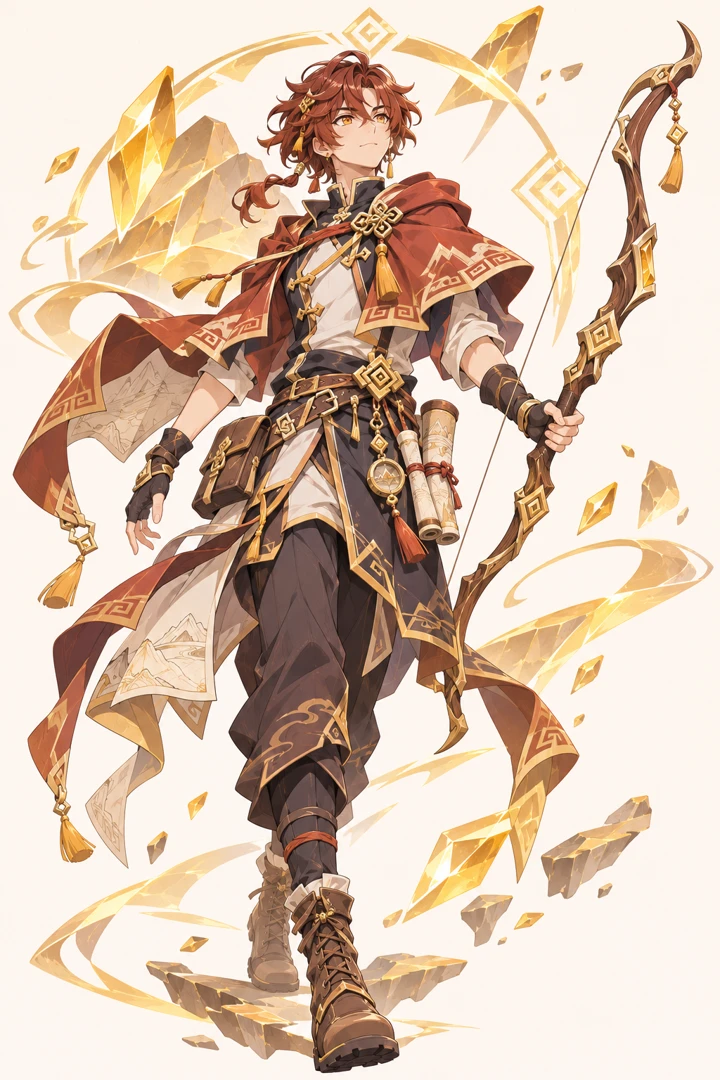
The trail cartographer
Liyue · Geo · Bow. The trail cartographer wears rolled maps at the hip. Gold geometry echoes between the outfit and floating rock fragments; the bow cuts a different curve through those sharp shapes.
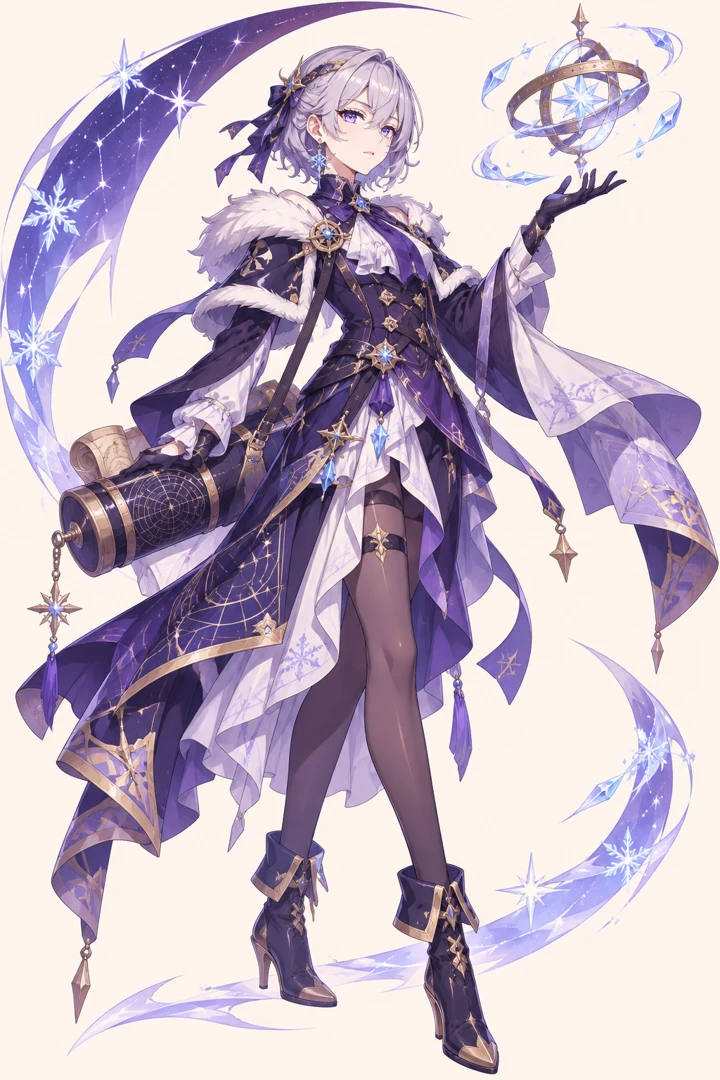
The winter astronomer
Mondstadt · Cryo · Catalyst. The winter astronomer’s silver hair and short mantle frame a violet silhouette. Orbital rings turn her work into a visible weapon, while small ice crystals identify the element.
Three ways to use your character illustration
Write a recurring fan-fiction character
Give a recurring character a distinct hairstyle, a working tool and a palette. Keep the illustration beside your manuscript so you can check the same details when the character returns in another chapter.
Commission a full-body costume
Give the artist a named region, a profession and a front-to-back color plan. Keep the weapon hand, boots and Vision visible in the illustration and list the most important closures or tools in Appearance.
Build a profile avatar
For an avatar, request a head-and-shoulders view in Appearance and framing and move one recognizable accessory to the collar. For a later full-body study, specify the boots and where the weapon sits.
From character idea to illustration
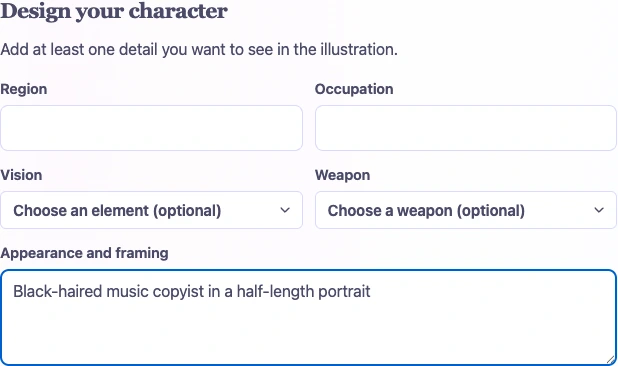
1. Design your character
Start with an empty form and add a region, occupation, appearance, weapon or Vision. To adapt an example instead, choose Use these settings beneath its illustration, then edit any field.
2. Choose the composition
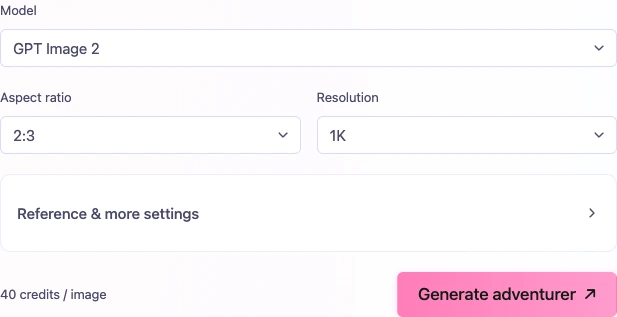
Select a portrait frame for a polearm wielder or a square frame for an avatar. Keep important accessories near the face for a tight crop. Check the credits shown beside Generate adventurer.
3. Generate and open the illustration
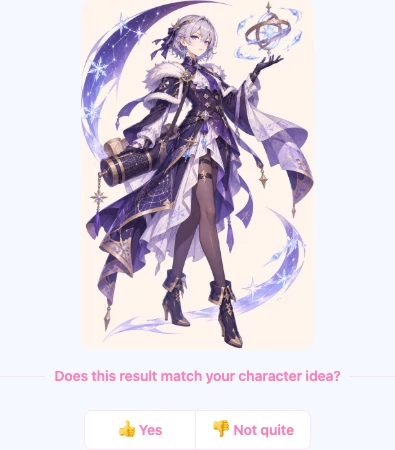
Select Generate adventurer, then open the finished image in the result panel to inspect the details. The screenshot uses an original sample to demonstrate the result controls.
Choose a frame for the weapon and costume
Show the entire polearm
Choose a tall frame, then explicitly leave space above the weapon tip and beneath both feet. A close portrait may preserve the face beautifully while cutting away the part that distinguishes a survey pole from an ordinary spear.
Keep the Vision in a portrait
For a square avatar, move the important accessory near the collar or shoulder. A gem at the belt can sit outside a head-and-shoulders crop. Mention the chosen position in the text so the framing and design agree.
Genshin OC Maker Questions
It creates an illustration from your description of an original character. Try a full-body costume study, a cropped avatar or a scene for fan fiction. Keep names and longer biography notes with the finished image.
Yes. Describe the profession, equipment and pose, then ask for ordinary light and a character without a Vision or elemental effects. A distinctive bow case or a chipped survey tool can carry the design.
Choose Use these settings under an illustration. Its region, occupation, Vision, weapon and appearance fill the form. Change any details you like, then generate when you are ready.
The result is independent fan artwork for a profile, reference or story. MakeMyOC has no affiliation with HoYoverse. Generated pictures cannot add a unit, skin or weapon to a Genshin Impact account.
Keep the same short outfit description, including shapes and color placement. If your model offers reference images, attach a drawing you can use. A reference can guide a new pose, although small details may still change.
Yes. On a fresh visit the character fields are empty. Add at least one detail to create your original traveler. After selecting a model and frame, check the credit cost beside the generation button.